All videos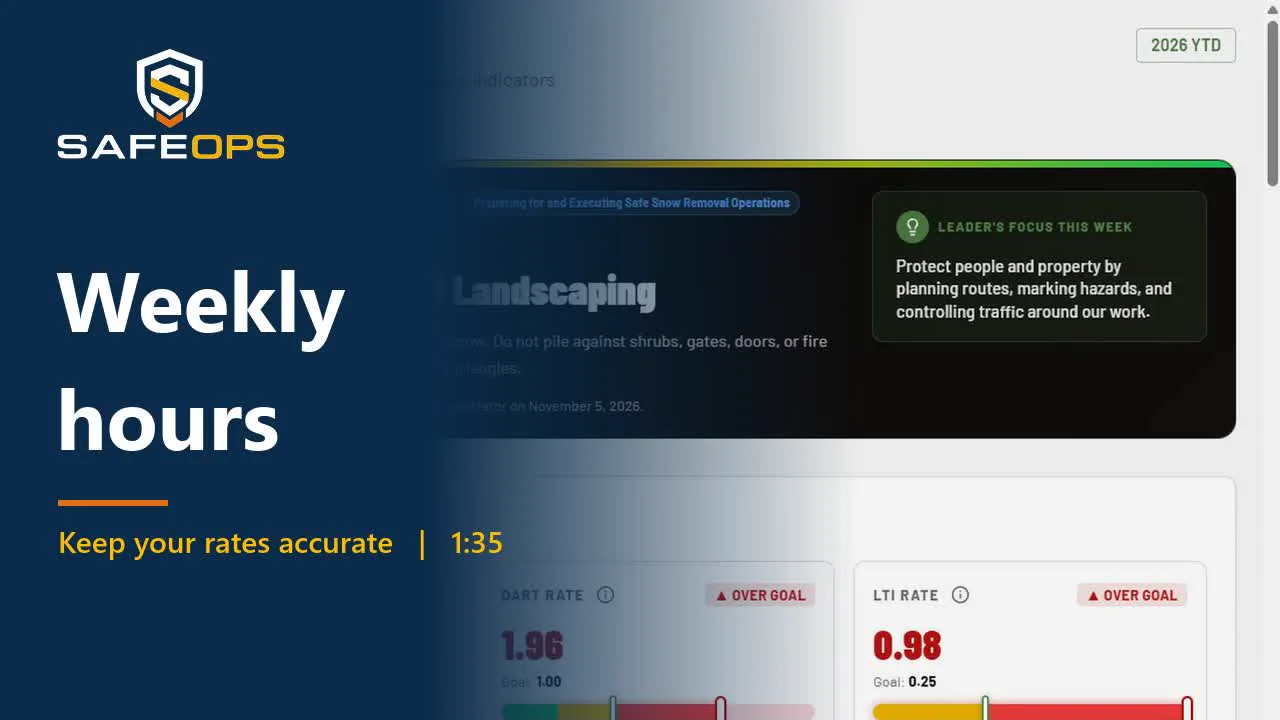
Setup 1:35
Report weekly hours worked
Recorded in SafeOps with a fictional demo company. Nothing loads from YouTube until you press play.
Watch on YouTube (opens in a new tab)About this video
This is a short weekly task for whoever keeps the branch numbers. You'll see hours worked entered for each branch, the history, and how to fix a mistake. The hours then feed your TRIR, DART and LTI rates.
See SafeOps on your own operation.
30 minutes. Live demo. No slide deck. We'll show you the actual platform, set up for operations like yours.
Book a DemoMore videos
 Length 2 minutes 35 seconds
Setup
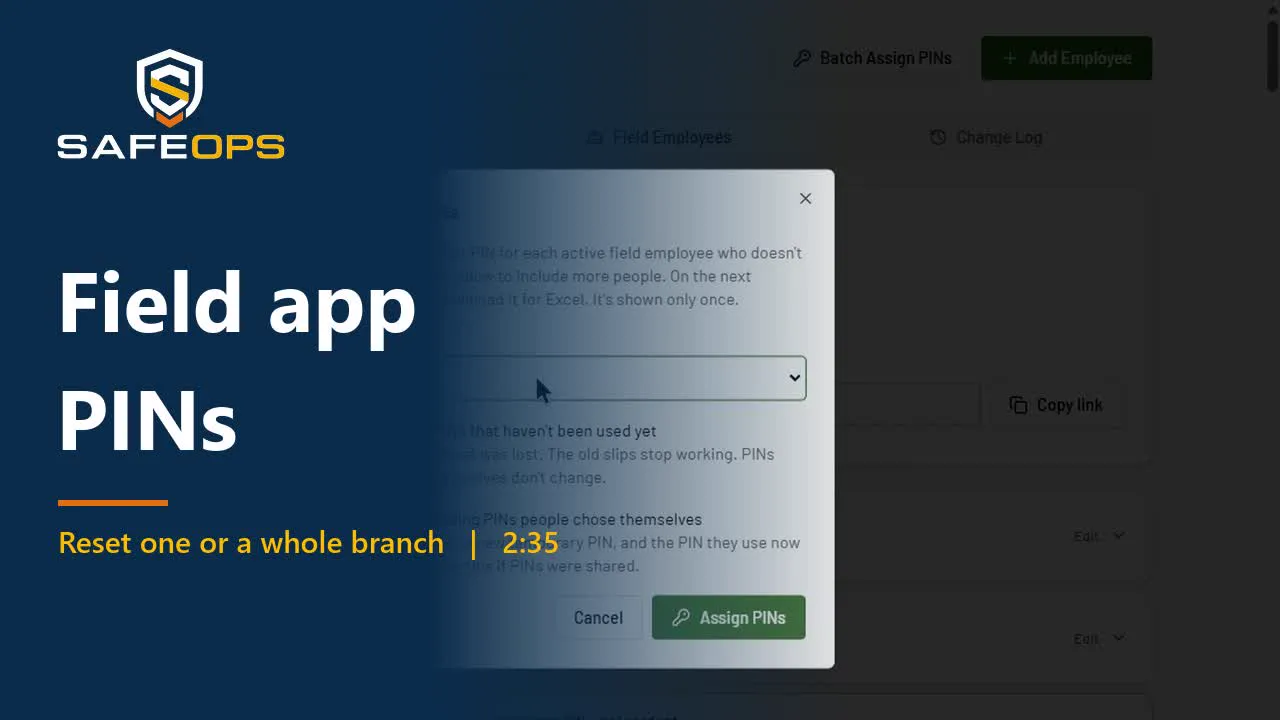
Set field app PINs and reset them in a batch
Give a field user a PIN, then reset PINs for a whole crew at once and print the sheet.
 Length 8 minutes 26 seconds
Dashboards
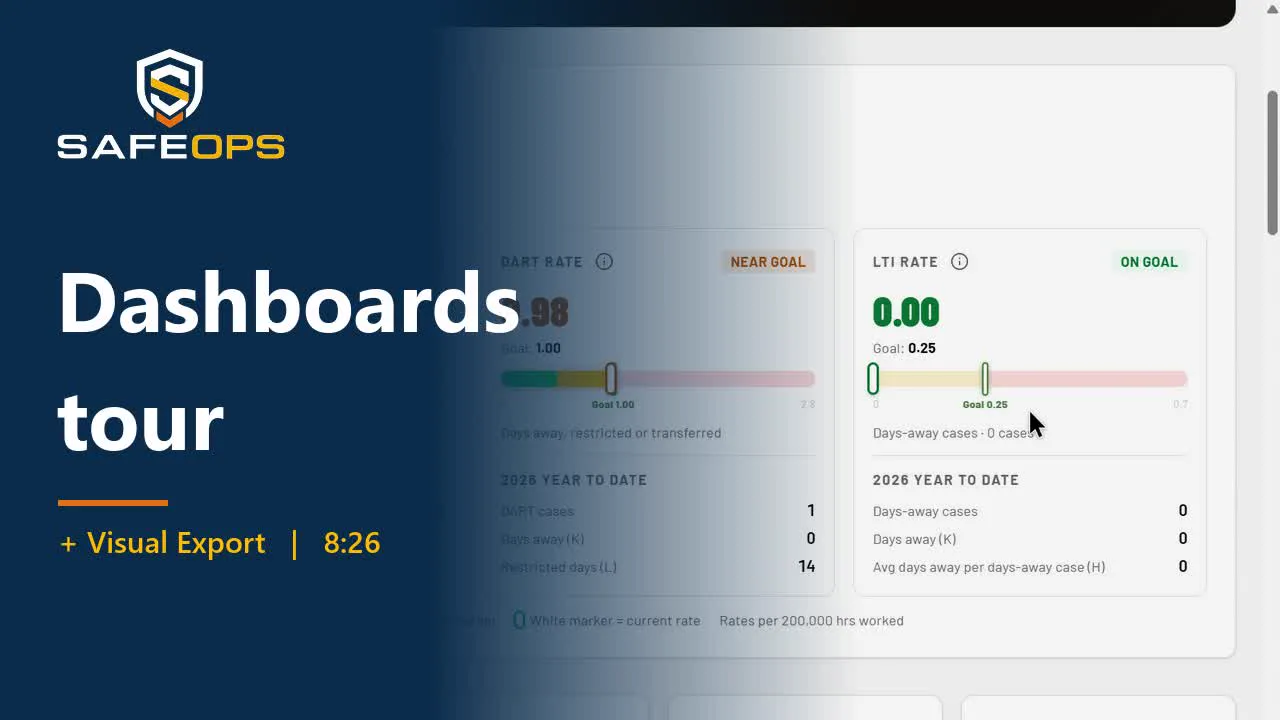
Dashboards tour and Visual Export
Every dashboard in the portal, then turning them into a one-page visual report for leadership.
 Length 9 minutes 44 seconds
Reporting
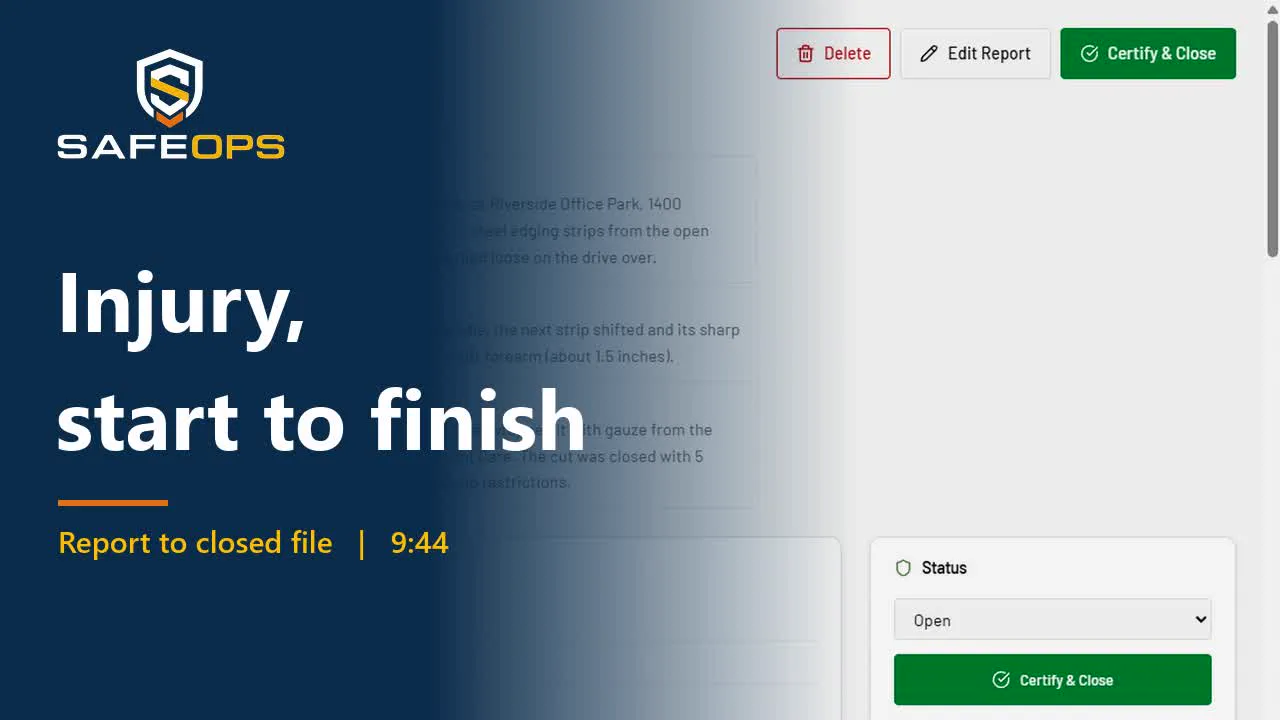
Report an injury, start to finish
One injury from the field app report to a closed case, including the OSHA recordable decision.