Dashboards 8:26
Dashboards tour and Visual Export
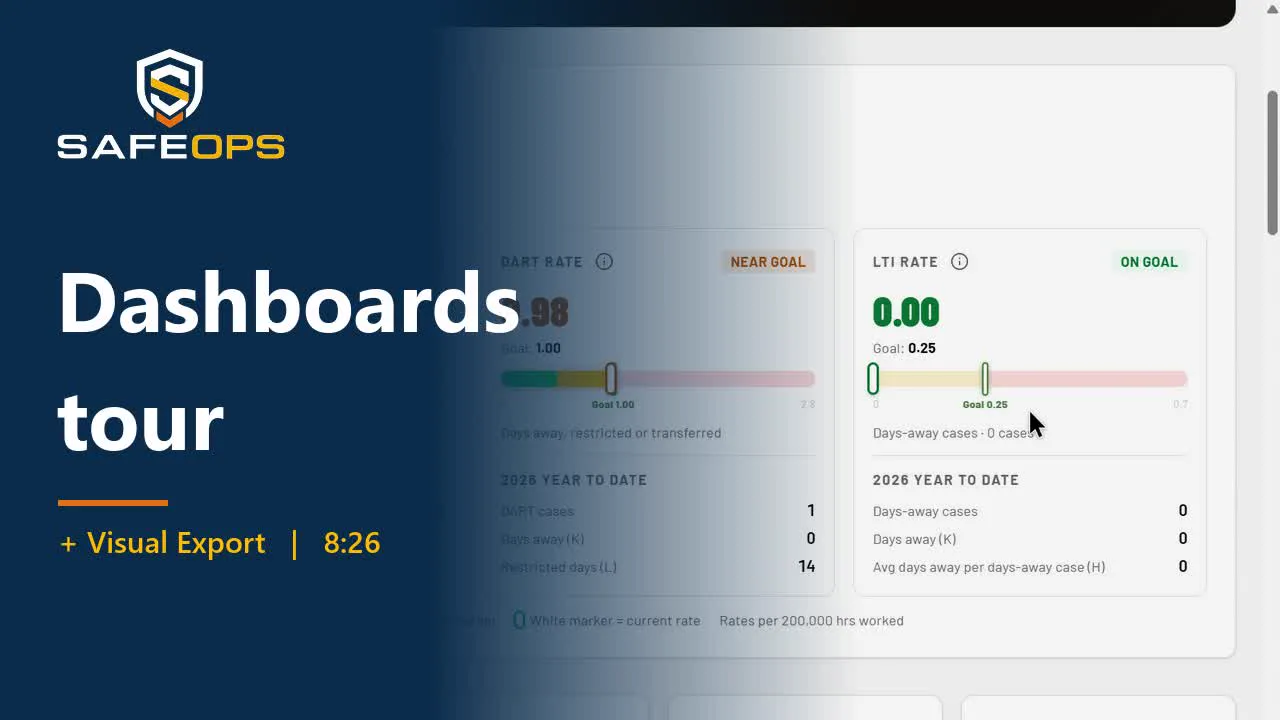
Recorded in SafeOps with a fictional demo company. Nothing loads from YouTube until you press play.
Watch on YouTube (opens in a new tab)About this video
This is for the safety manager who has to answer a different question in every meeting. You'll see each SafeOps dashboard and which conversation it supports: the weekly check-in, the morning huddle, the monthly leadership review and your culture of reporting. Then Visual Export turns your KPIs into slide-ready images you can download as PNG or ZIP.
See SafeOps on your own operation.
30 minutes. Live demo. No slide deck. We'll show you the actual platform, set up for operations like yours.
Book a DemoMore videos
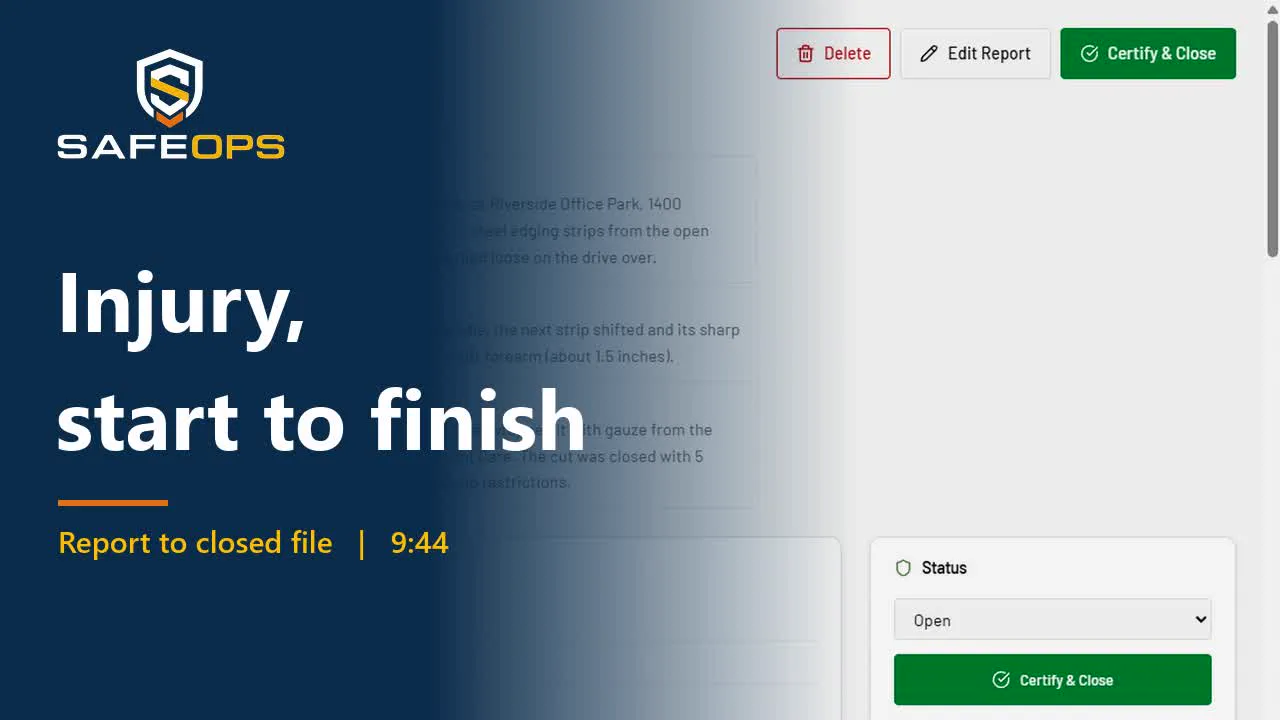 Length 9 minutes 44 seconds
Reporting
Report an injury, start to finish
One injury from the field app report to a closed case, including the OSHA recordable decision.
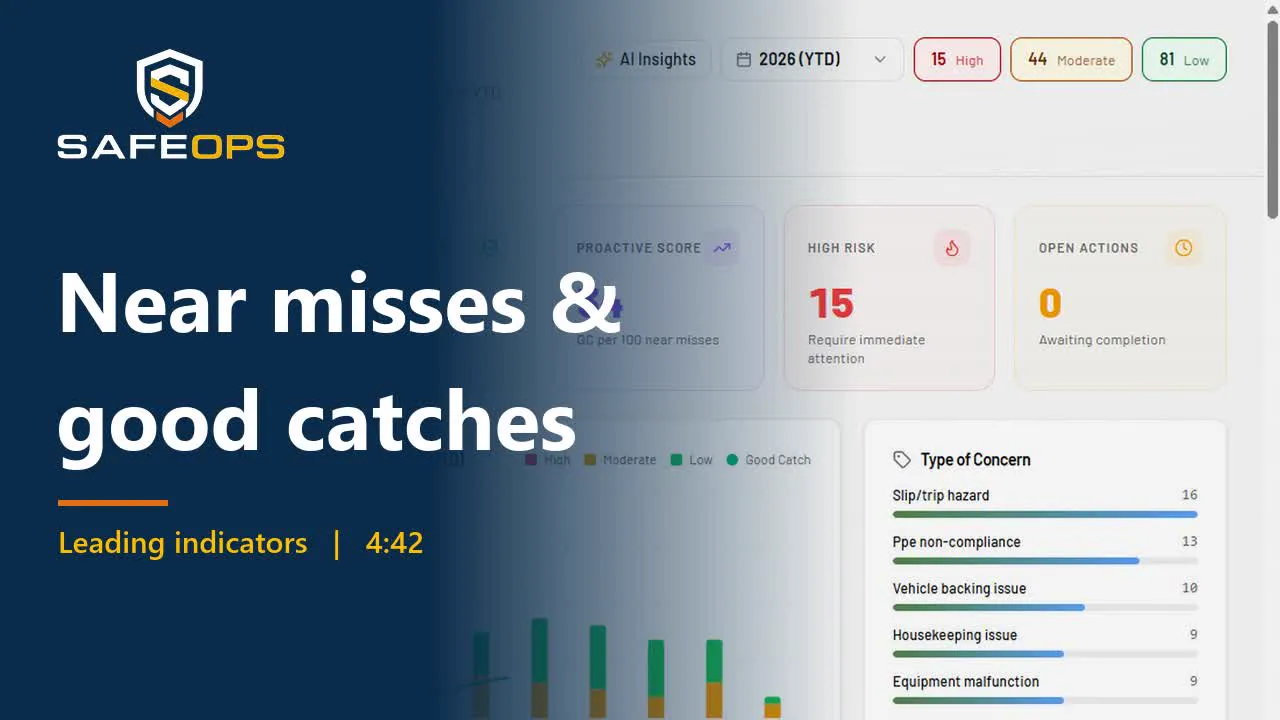 Length 4 minutes 42 seconds
Reporting
Near misses and good catches
How crews log near misses and good catches, and how those leading indicators show up for managers.
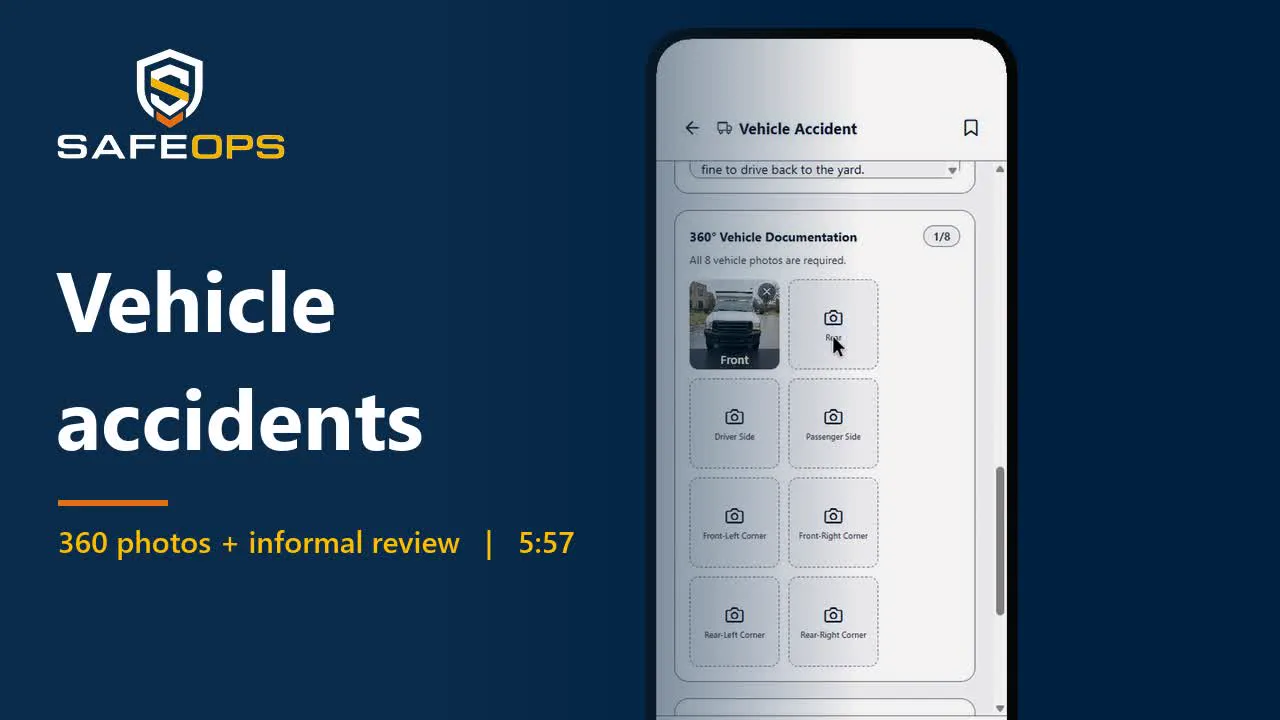 Length 5 minutes 57 seconds
Reporting
Report a vehicle accident and review it
A vehicle accident reported from the field, then an informal review to find the cause and the fix.